
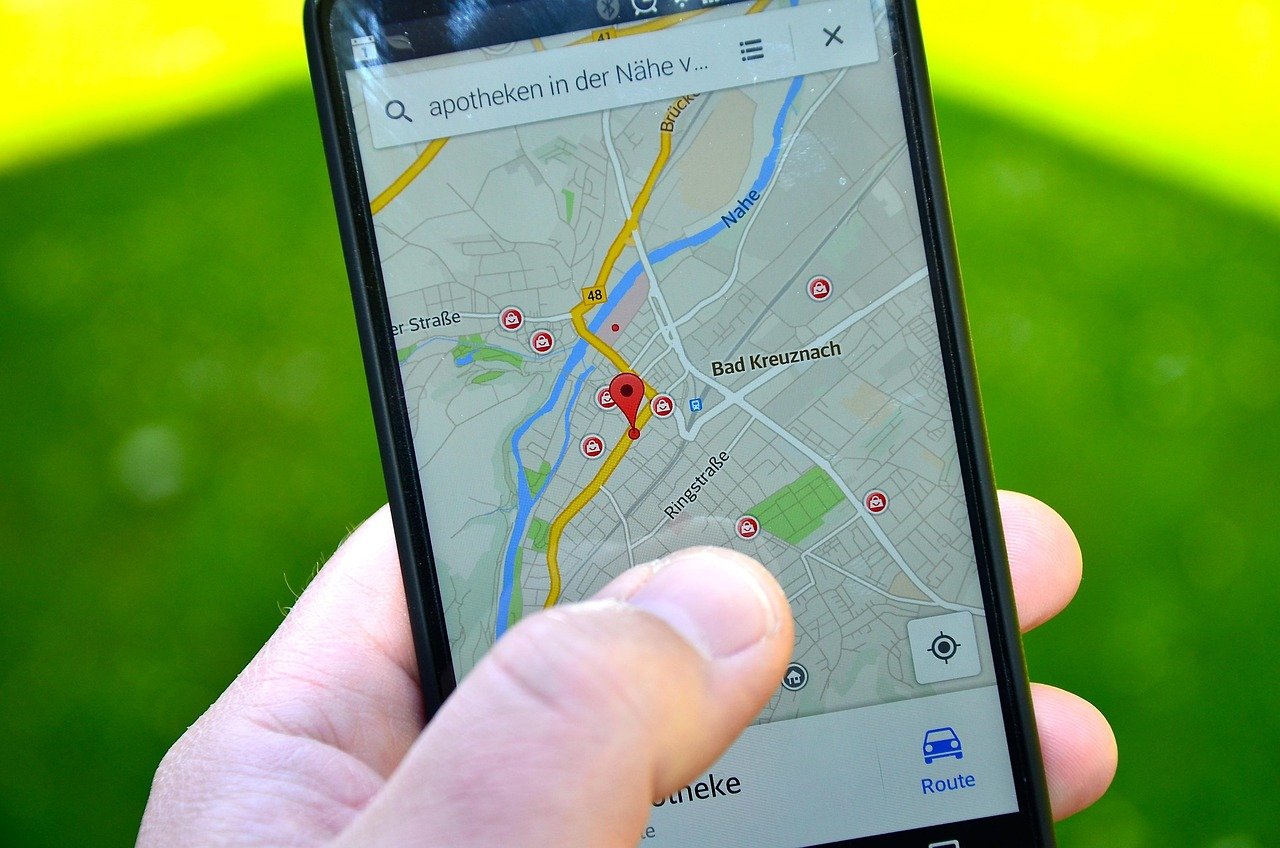
Search for your business name on Google and Google Maps. If a profile already exists, claim it; if not, create one at business.google.com. Complete the verification step. Until it is verified, the profile cannot be managed properly.

Your primary category matters most for which searches you appear in. Pick the one that most precisely describes what you do, then add secondary categories for other services. A precise category beats a broad one.
Add each service with a short, plain description. This helps Google match you to specific searches and helps customers understand what you offer before they call.
Upload photos of your premises, team and work. Genuine photos build more trust than stock images, and customers use them to decide whether to visit or call.
Ask satisfied customers to leave a review and share a direct link to make it easy. Reply to every review, positive or negative, politely and specifically. Never buy reviews or offer rewards in exchange for them. This breaks the rules and can get reviews removed.

Use posts to share offers, events or news. It signals an active business and gives customers a reason to choose you.
Your name, address and phone number should match across your website, social profiles and directories. Inconsistencies confuse both customers and search engines.
A strong profile works best beside a website that loads quickly on mobile and answers the questions customers ask. It also gives you something to measure: calls, direction requests and website visits from the profile show what local search is worth to you.
Yes. Creating and managing a profile costs nothing. You may pay for extras such as ads, but the profile itself is free.
Yes, if you serve customers at their location you can set a service area and hide your address, provided you follow Google's guidelines for service-area businesses.
Ask every happy customer soon after the job, and send a direct review link by WhatsApp or SMS. Do not offer rewards, and do not write reviews yourself.
Common reasons are an unverified profile, a wrong or vague category, inconsistent details, or heavy local competition. Check verification and category first.
Local visibility is part of our Market services. See how we work on the process page, or ask us to review your profile.